
BlogOct 4, 2026
Local notes and cloud models can work together
Learn what stays local, what crosses the network, and how to use selected note context with a cloud AI model without uploading your whole working record.
Mrigesh ParasharRead
Short, practical writing on dictation, Mac workflows, and getting thoughts into text.
Learn what stays local, what crosses the network, and how to use selected note context with a cloud AI model without uploading your whole working record.

Use a simple four-part order for voice prompts: goal, context, constraints, and output. Then add exact inputs and review before sending.

A practical five-part check for AI agent actions: action, target, payload, consequence, permission scope, and a clear receipt after execution.

Screen context helps voice tools understand what “this” refers to. Learn why the active app, selection, scope, and review matter.

Learn what file ownership changes for your notes, what Markdown does not guarantee, and how to test whether a note remains useful outside its app.

Keep AI-generated notes connected to recordings, transcripts, meetings, and documents with a simple source, transformation, claim, and review workflow.
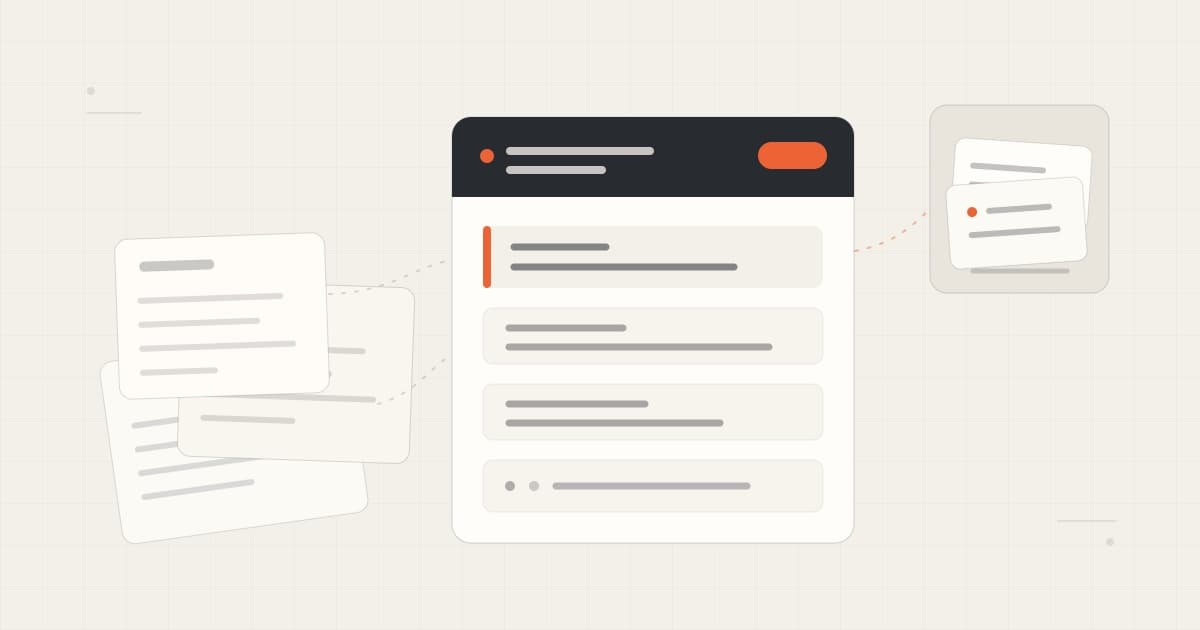
Organize project notes with clear titles, current state, decisions, sources, dates, and links—without building a high-maintenance second brain.

A plain explanation of Karpathy’s LLM Wiki, how agents can navigate its knowledge, and why sources, updates, and human review still matter.
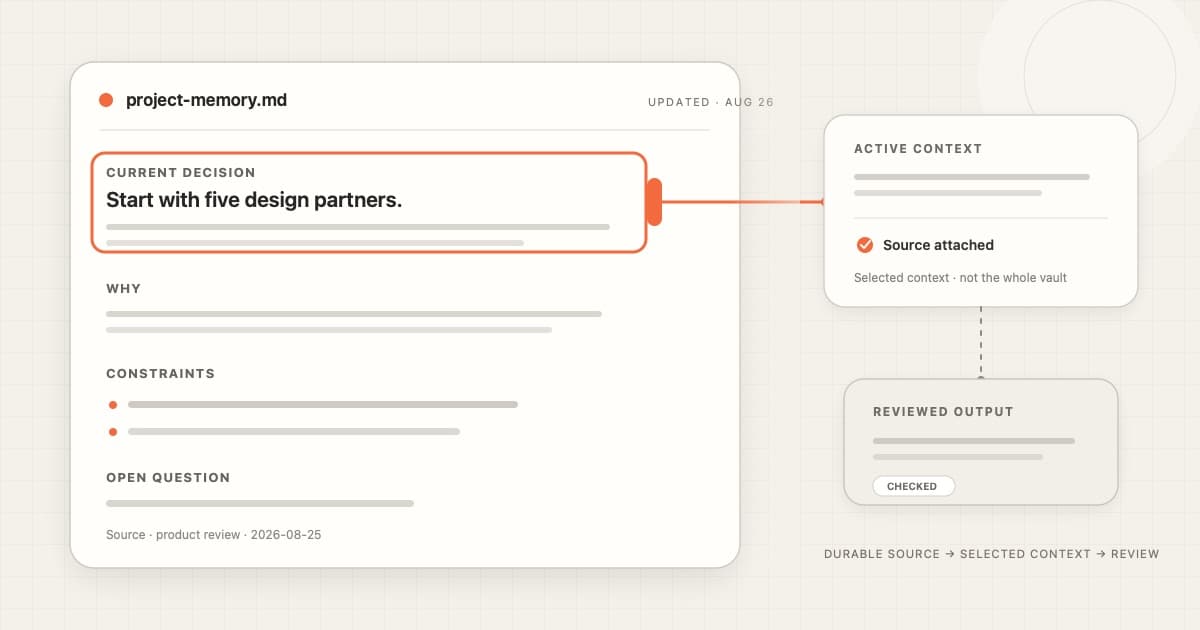
Learn why Markdown works well as durable AI context, what it does not solve, and how to keep one project note useful across sessions.

Your AI tools may change. Your knowledge should stay yours. Why context ownership shapes Cue’s local-first architecture, from voice capture to connected agents.
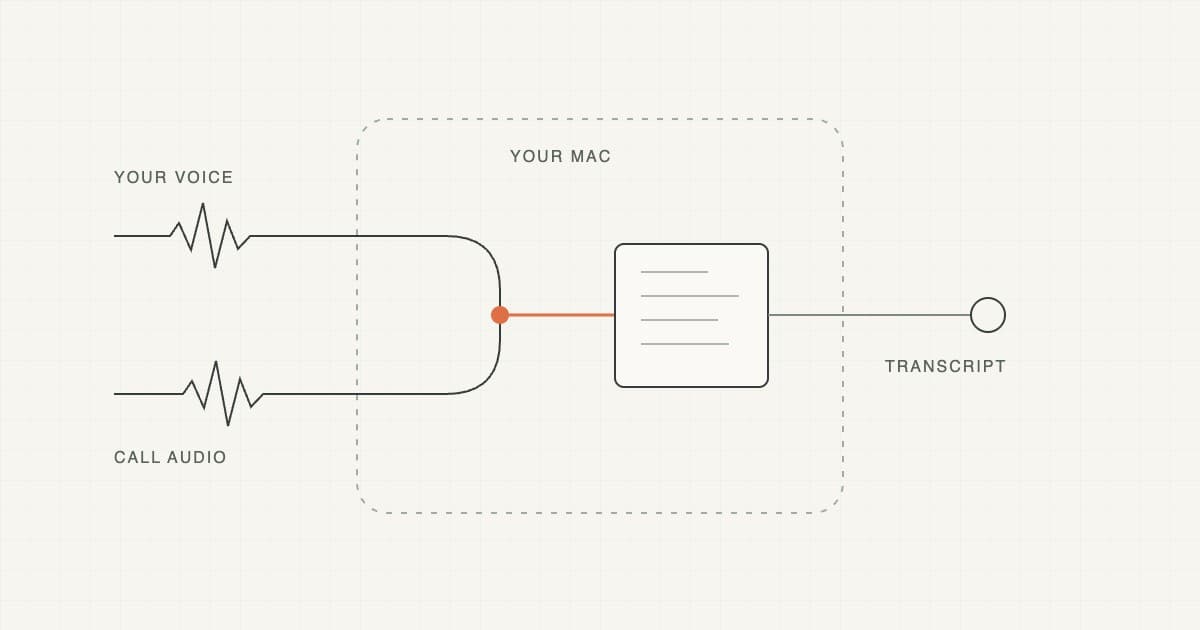
Learn how bot-free meeting notes work on a Mac, how to check both sides of the audio, and what to verify before relying on a transcript.
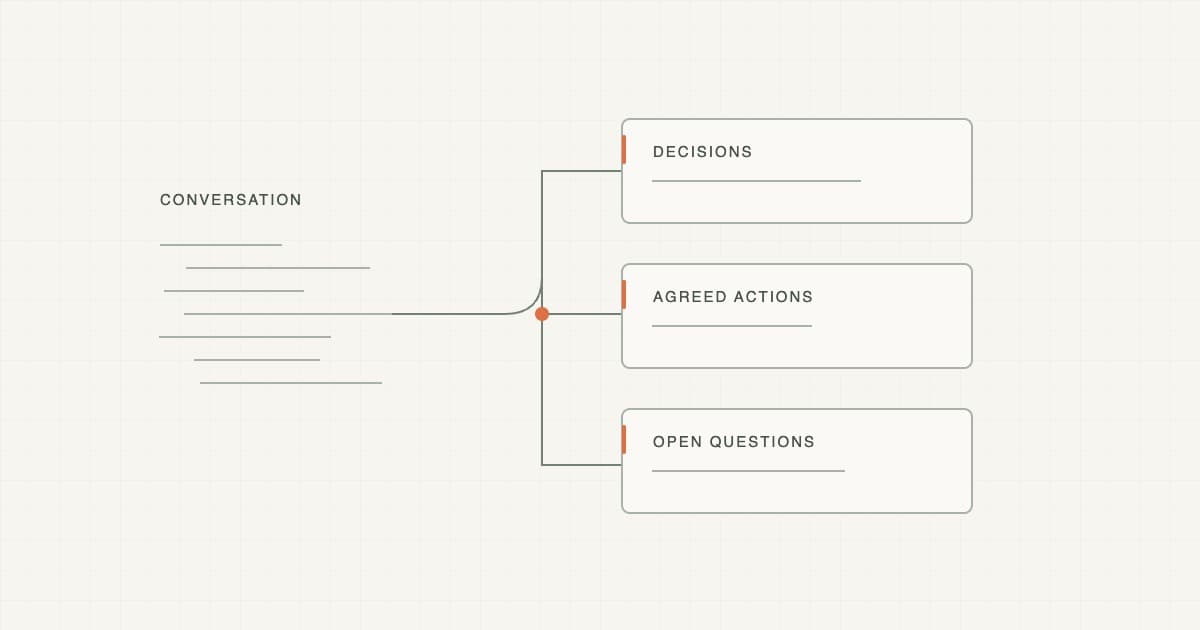
Copy a practical meeting summary template, see a worked example, and learn how to keep decisions, action items and unresolved questions separate.

Cue gives you a fast, offline-capable local path and connected AI when a task needs more capability, while your durable work stays in files you control.

Capture a messy voice thought without interrupting yourself, then use Cue Edit Mode to structure, rewrite, and review the useful part.
Learn how to capture a meeting on Mac and turn the transcript into reviewed notes, decisions, action items, and clear next steps.
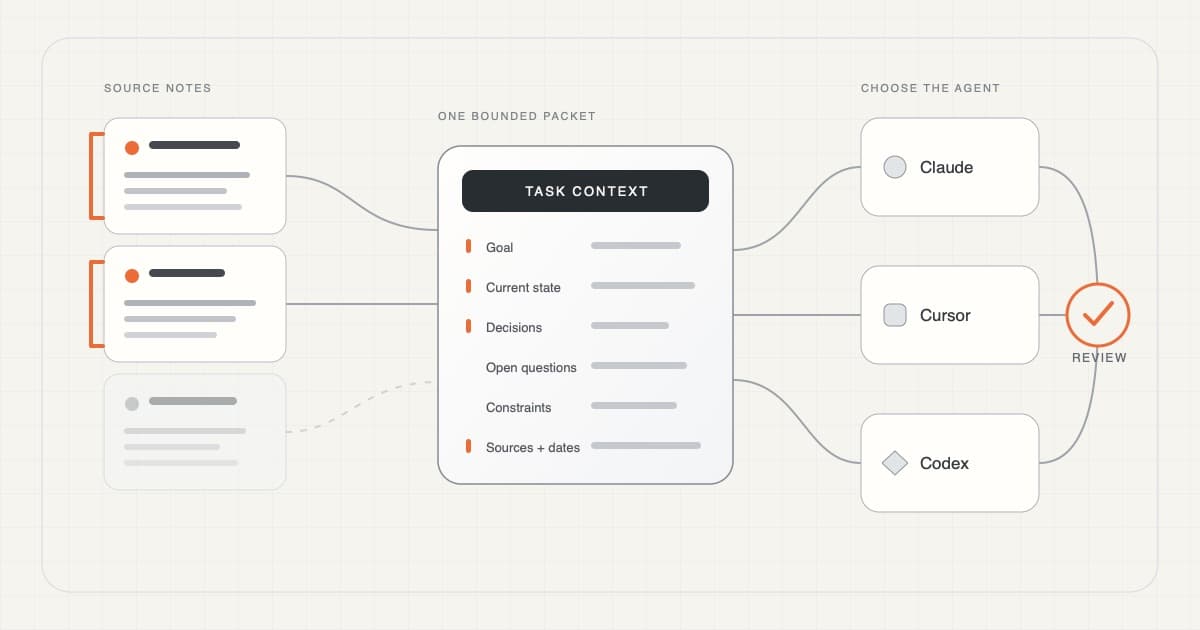
A practical workflow for turning a few current notes into selective, source-linked working memory that an AI coding agent can actually use.
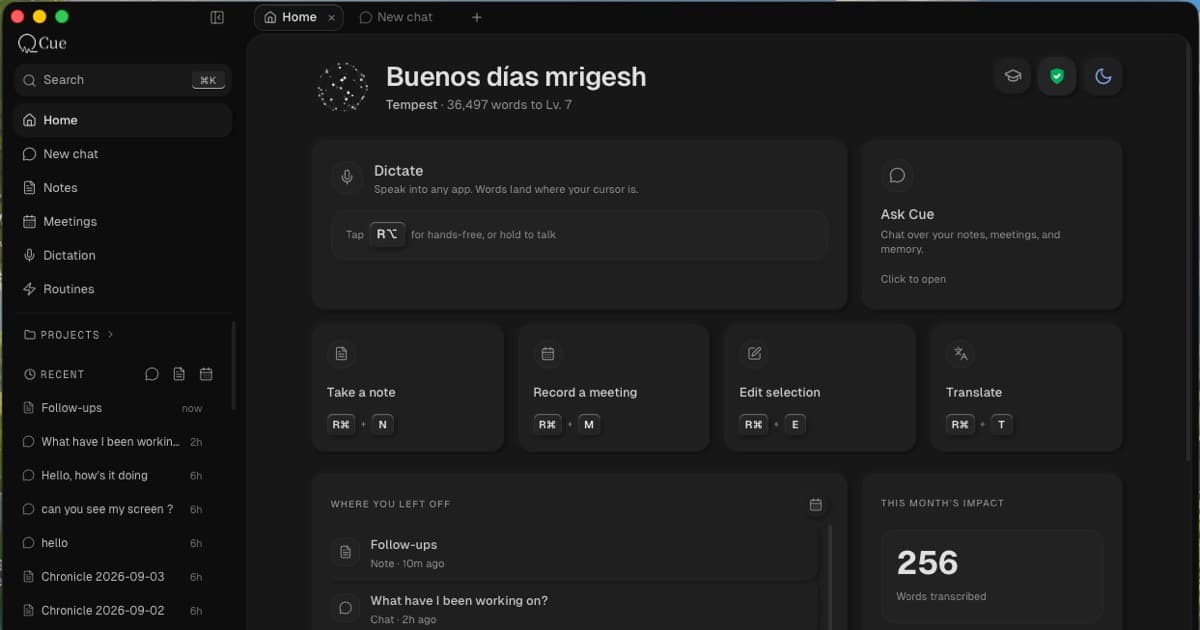
Meet Cue: free on-device dictation, meeting capture, local Markdown notes, sourced AI, and voice editing in one private, voice-first Mac workspace.

Set up voice input in Claude Code and Cursor on Mac, compare built-in dictation with Cue, and learn which prompt details to speak, type, and review.

Voice should feel like dependable input on a Mac, with local processing available and cloud models used by choice.

A short guide to when built-in dictation is enough, and when a dedicated Mac voice-to-text app makes more sense.
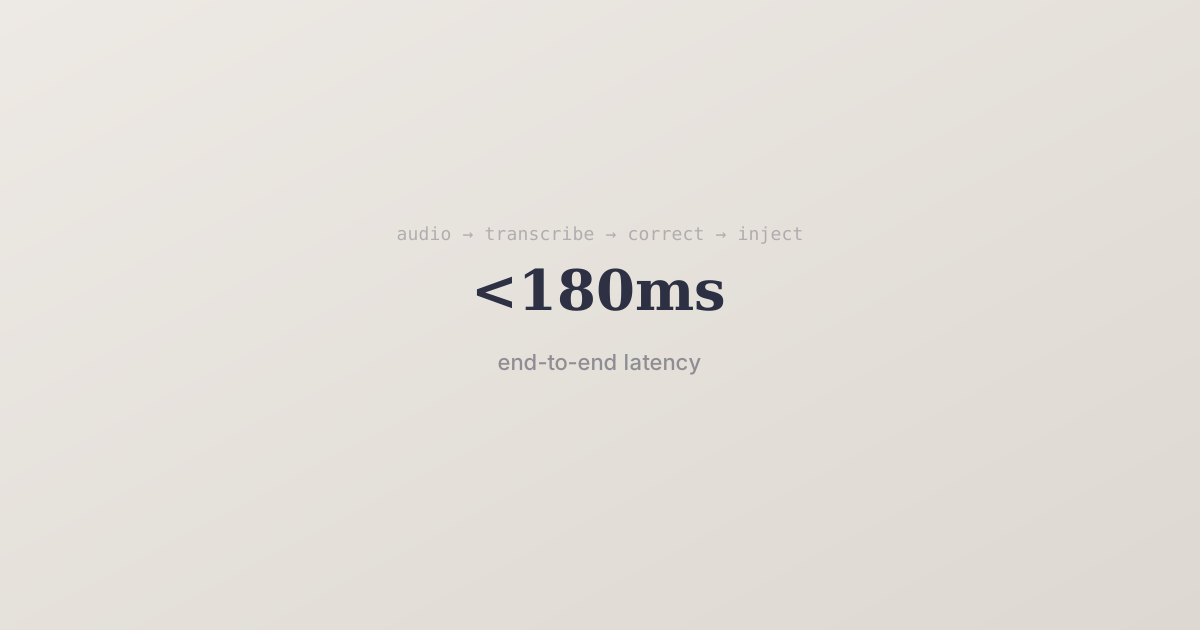
A look under the hood at how Cue delivers sub-200ms voice-to-text with context-aware corrections.
You speak at 150 WPM. You type at 40. The math is obvious — so why aren't more people voice-typing?